AI PBR Texture Generator — 6 Maps Ready for Any Engine
Inspect Base Color, Normal, Roughness, Metallic, AO and Relative Height together before exporting your engine preset ZIP.
Parameters · 0 credits
Seam Score
Advanced PBR · 0 credits
Derived from image luminance · 8-bit relative height · 0 credits
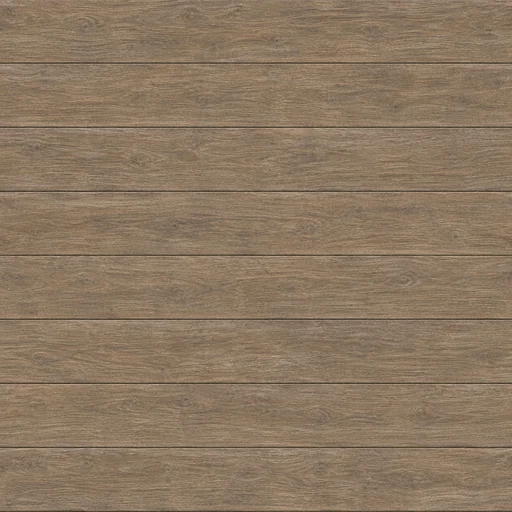
SampleWeathered Oak PlanksLoading material…
Try a sample · Free
All 6 materialsEngine export pack
1024×1024 · OpenGL +Y- weathered-oak-planks_BaseColor.png
- weathered-oak-planks_NormalGL.png
- weathered-oak-planks_Roughness.png
- weathered-oak-planks_Metallic.png
- weathered-oak-planks_AO.png
- weathered-oak-planks_Height.png
- README.txt
- material.json
Transparent 6-Channel Derivation Reference
Every secondary map is derived locally from linear luminance and material presets at 0 credits. Use the table below to guide manual tuning.
| Map | Encoding | Surface role | Inspection point |
|---|---|---|---|
| Base Color | sRGB | Supplies visible diffuse surface albedo. | Directional shadows in source photos can carry into lighting. Use Reduce lighting (Delight) on unevenly lit inputs. |
| Normal | Tangent space · GL +Y / DX −Y | Periodic Sobel height gradients encode micro-relief direction. | Dark painted markings can read as recessed grooves. Verify under the rotating 3D light and adjust Normal strength. |
| Roughness | Linear scalar | Controls specular highlight spread. | Color alone cannot measure true microsurface gloss. Set Roughness base and detail to match your material finish. |
| Metallic | Linear scalar | Separates bare conductors (1.0) from dielectrics (0.0). | Metal class presets default Metallic to 1.0 and dielectrics to 0.0; adjust manually for painted or oxidized metals. |
| AO | Linear scalar | Local crevice darkening approximated from relative depressions. | Defaults to neutral white (1.0) so it does not double-darken scene GI unless enabled. |
| Relative Height | 8-bit · linear | Relative highs and lows estimated from linear luminance. | 8-bit relative ordering without physical metric depth; tune displacement scale per mesh in your renderer. |
4-Engine Import Checklist
| Preset | Texture importer settings | Shader wiring |
|---|---|---|
| Standard / Blender | BaseColor as sRGB; NormalGL, Roughness, Metallic, AO, Height as Non-Color. | Feed NormalGL into a Tangent Space Normal Map node connected to Principled BSDF. |
| Unreal Engine 5 | NormalDX with Normalmap compression (leave Flip Green off); ORM with sRGB off & Masks compression. | Wire ORM.R → Ambient Occlusion, ORM.G → Roughness, ORM.B → Metallic. |
| glTF / Godot 4 | BaseColor sRGB; NormalGL +Y tangent space; ORM linear. | Assign ORM to Godot ORMMaterial3D or glTF occlusionTexture + metallicRoughnessTexture. |
| Unity HDRP / URP | NormalGL as Normal map; MaskMap with sRGB off, Input Texture Alpha on, Alpha Is Transparency off. | Assign MaskMap directly in HDRP Lit, or Metallic/Occlusion slots with Metallic Alpha Smoothness in URP. |
FAQ
- Are all six channels generated by the AI model?
- AI generates a flat-lit 1024×1024 seamless Base Color in AI mode. Normal, Roughness, Metallic, AO and 8-bit Relative Height are derived transparently in your browser at 0 credits so you can retune and re-export infinitely.
- Can I get metric displacement from one texture?
- No single-image height map encodes physical millimeters. Relative Height represents 8-bit luminance ordering; scale displacement strength on your target mesh.
- Why do the four engine ZIP packs contain different files?
- Each engine expects a different channel layout and normal green-channel sign. Picking your preset guarantees the exact filenames, packed channels, and README.txt import checklist.