Free Normal Map Generator & OpenGL / DirectX Converter
Derive a normal map from any image or flip an existing normal map's green channel (+Y ↔ −Y) locally with zero uploads and zero credits.
Processed on this device · 0 credits · No sign-in
Parameters · 0 credits
Seam Score
Advanced PBR · 0 credits
Derived from image luminance · 8-bit relative height · 0 credits
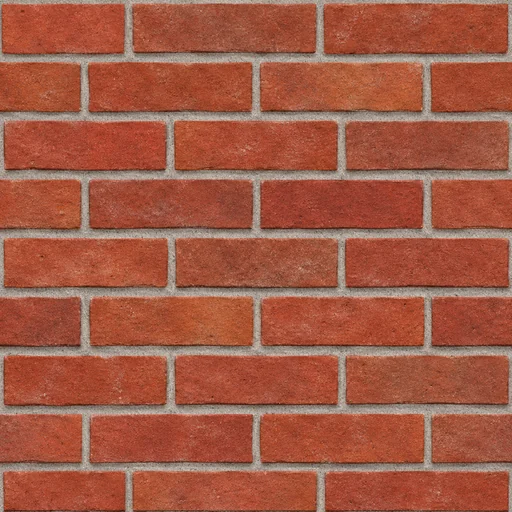
SampleRed Clay Running-Bond BrickLoading material…
Try a sample · Free
All 6 materialsEngine export pack
1024×1024 · OpenGL +YNormal PNG orientation:
- red-clay-running-bond-brick_BaseColor.png
- red-clay-running-bond-brick_NormalGL.png
- red-clay-running-bond-brick_Roughness.png
- red-clay-running-bond-brick_Metallic.png
- red-clay-running-bond-brick_AO.png
- red-clay-running-bond-brick_Height.png
- README.txt
- material.json
OpenGL (+Y) vs DirectX (−Y) Troubleshooting Guide
The green channel encodes tangent-space Y slope. Supplying an OpenGL (+Y) map to a DirectX (−Y) engine like Unreal makes recessed horizontal mortar joints appear pushed outward. Match your export convention once using the reference table below.
| Engine / DCC | Convention | Import or shader setting |
|---|---|---|
| Blender | OpenGL +Y | Set image Color Space to Non-Color and route through a Tangent Space Normal Map node. |
| Godot 4 | OpenGL +Y | Assign to Normal Map. If importing a −Y source, enable Normal Map Invert Y on import. |
| Unity (URP / HDRP) | OpenGL +Y | Set Texture Type to Normal map. Export +Y directly so Flip Green Channel stays off. |
| Unreal Engine 5 | DirectX −Y | Use Normalmap compression. Export −Y directly and leave Flip Green Channel disabled. |
| 3ds Max · Normal Bump | DirectX −Y | Standard Normal Bump reads −Y; enable Flip Green (Y) only when supplying an OpenGL +Y map. |
FAQ
- Why do my mortar joints look raised instead of recessed?
- Light the surface from above and inspect horizontal joints. If horizontal edges shade backwards while vertical edges look right, your green channel sign (+Y vs −Y) is inverted for that engine. If both axes look inverted, toggle Invert height.
- Should I flip the green channel on export and again in Unreal or Unity?
- No — convert once. When you export DirectX −Y for Unreal Engine 5 or OpenGL +Y for Unity/Blender/Godot, leave Flip Green Channel off inside the engine importer.
- Does the Normal Map Generator upload my image or require an account?
- Never. All Sobel height and normal calculations run in a local browser Web Worker at 0 credits with no sign-in.